
The Best Property Inspection Apps for Florida Landlords
Most inspection-app roundups rank features. Florida landlords should rank one thing — does it produce evidence that holds up in a deposit fight? Here's how the apps stack up.
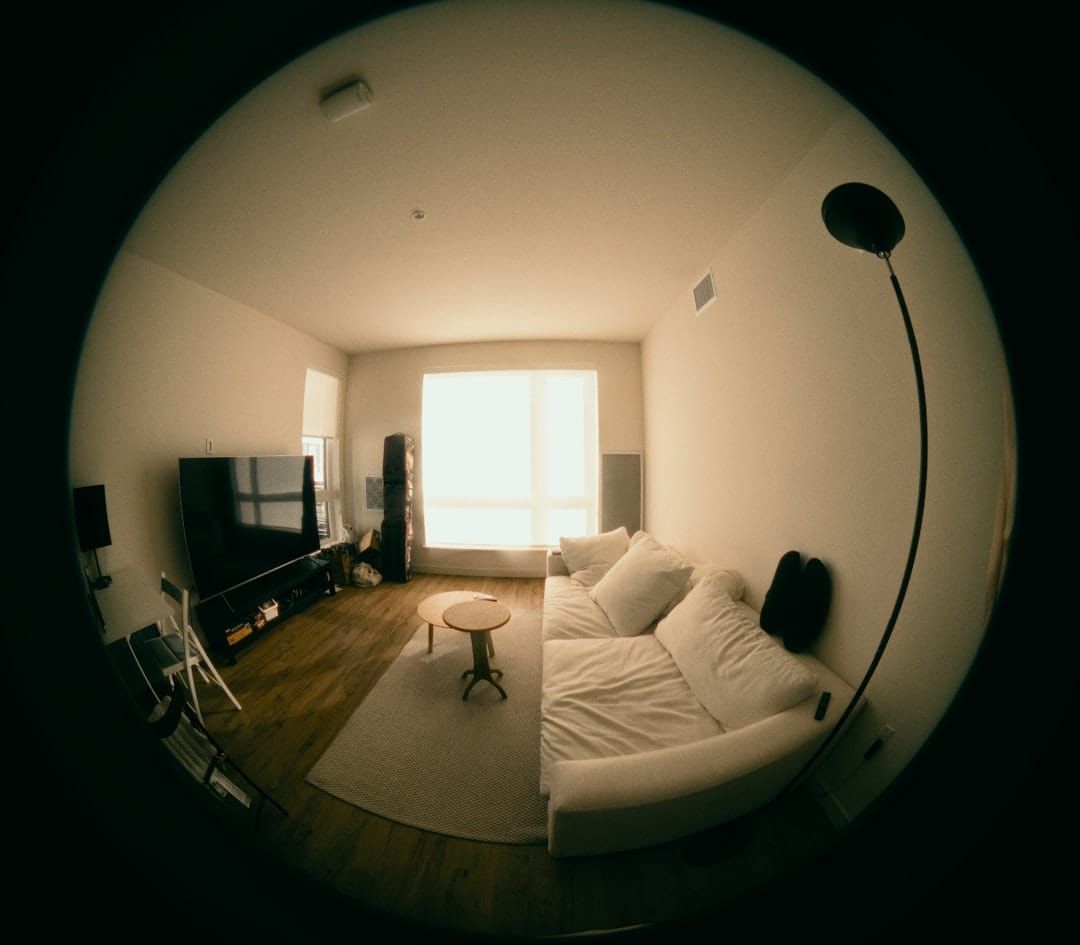
A tenant moves out of your Winter Park duplex. You walk the unit and find a cigarette burn in the bedroom carpet and a cracked bathroom vanity. Real damage, real money — maybe $600 to make right. You deduct it from the deposit. Three weeks later you get a letter from the tenant disputing the charge, claiming both were there when they moved in. You reach for your proof and realize you have a few blurry phone photos with no dates, and a move-in checklist you never quite finished. Now it's your word against theirs, and in a Florida deposit dispute, the landlord who can't prove the baseline usually loses.
Quick answer: The best property inspection apps for a Florida landlord aren't ranked by feature count — they're ranked by whether they produce timestamped, signed, cloud-backed evidence that survives a security deposit dispute. For one to five doors, an entry-level RentCheck plan or zInspector's free plan for under five units is enough — and so, honestly, is your phone camera plus a disciplined cloud folder. The app is not the point. The paper trail is.
Why do Florida landlords need a property inspection app at all?
You need one because the documentation you didn't collect is exactly what costs you in a deposit fight. A handwritten checklist gets lost in a glovebox. A loose phone photo with no date is weak evidence. The whole job of a property inspection app is to capture the paper trail in a form that survives — dated, organized, and impossible for a tenant to wave away with "that was already like that."
Florida makes the stakes concrete. Nothing in Florida Statute 83.49 requires a specific inspection form, and there is no separate statutory inspection you're legally forced to perform. But that statute also says that if you intend to keep any part of the deposit, you have 30 days from the end of the tenancy to send the tenant a written notice of your claim, by certified mail or by e-mail under a signed FS 83.505 addendum — and if you can't back up the deductions in that notice, the tenant objects and you're in front of a judge with nothing. The inspection record is what turns "I think they damaged it" into "here is the dated photo proving they did." That is the entire value proposition.
This guide is about which tool to use, not how to run the walk-through itself. If you need the room-by-room mechanics, start with our Florida move-in inspection checklist and the matching move-out inspection checklist. Those two posts cover the process. This one covers the software that captures it.
What makes an inspection app "evidence that survives a dispute"?
Quick answer: Four features separate a real evidence tool from a glorified photo album: automatic timestamps on every image, a side-by-side move-in vs. move-out comparison, a captured tenant signature, and cloud backup. If a tool does those four, it will hold up when a tenant disputes your deductions. If it skips any of them, you've got a gap a tenant's argument can drive through.
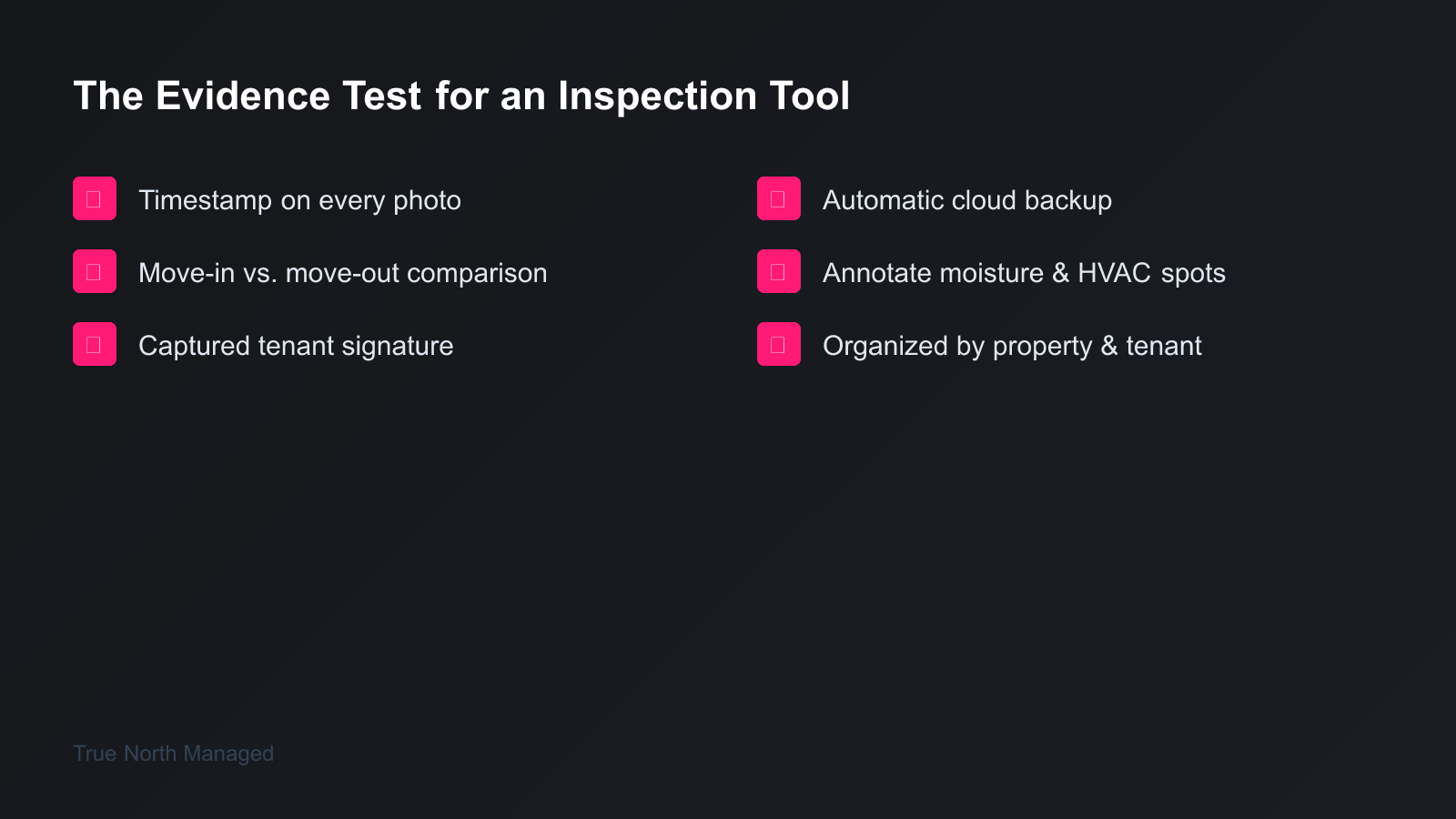
Take them one at a time, because each one closes a specific hole tenants exploit.
Timestamps. A photo with the date and time baked in proves when the condition existed. Most phones already record this in the photo's hidden EXIF data, and the better apps stamp it visibly on the image. A dated move-in shot of a clean carpet and a dated move-out shot of a burn mark is a before-and-after a tenant can't credibly deny.
Comparison. The single most useful feature in this category is the move-in/move-out side-by-side. Good apps line up the same room from both inspections so the change is obvious at a glance. That comparison view is what a small-claims judge wants to see — not two separate folders they have to mentally align.
Tenant signature. Your signature alone proves you think the unit looked a certain way. The tenant's signature proves they agreed. An app that captures an e-signature at the end of the walk-through — with the date attached — closes the "I never agreed to that" defense.
Cloud backup. Records you can't find don't exist. A deposit dispute can surface months after move-out; Florida's statute of limitations on a written contract runs five years. If your only copy lived on a phone you've since dropped in a pool, you have nothing. The tool has to sync to the cloud automatically, organized by property and tenant.
Notice what's not on that list: 360-degree cameras, AI damage detection, team permission tiers, accounting integrations. Those matter to a management company running hundreds of doors. For a landlord with one to five properties, they're features you'll pay for and never use.
Which property inspection apps work best for Florida landlords?
Quick answer: For most small Florida landlords, RentCheck (tenant-led inspections), zInspector (do-it-yourself with a strong free tier), and Landlord Studio (inspections bundled with bookkeeping) cover the field. Check each against the four-part evidence test above; the right pick depends on whether you want the tenant to do the legwork, the cheapest standalone tool, or one app that also runs your finances.
RentCheck is built around a resident-led model: instead of driving to the property, you send the tenant a guided inspection on their phone. They walk room by room, the app prompts them for timestamped photos at each step, and you review and approve the report. It captures e-signatures, generates PDF reports, and shows move-in and move-out side by side. Its pricing page lists a 14-day free trial and paid plans starting at $1 per unit per month (as of September 2026). The honest caveat: a tenant-completed inspection is only as thorough as the tenant, so spot-check the photos and don't approve a report where half the rooms are dark or blurry. For a remote or out-of-state owner, though, having the tenant do the capture is a genuine time-saver.
zInspector is the do-it-yourself workhorse. You (or your handyman) run the inspection from the app's in-camera tool, capturing photos, video, and 360-degree room shots against customizable templates. It does the move-in/move-out comparison in-app and offers a free plan for under five units — which makes it hard to beat for the landlord with two or three units who wants a real inspection app without a subscription. Paid plans scale by door if you grow.
Landlord Studio takes a different angle: inspections are one feature inside a broader landlord platform that also handles rent collection, expense tracking, and screening. Its own feature page describes scheduling recurring inspections and storing inspection records in one place, so confirm its current plan produces the timestamped, signed move-in and move-out report you need before you rely on it alone. If you'd rather run your rental walk-through documentation, your books, and your tenant screening from one login instead of stitching three apps together, that consolidation is the draw — the inspection feature doesn't have to be best-in-class to win on convenience.
Can I just use my phone instead of paying for an app?
Quick answer: Yes — for a single property, your phone's camera plus a disciplined cloud folder can pass all four parts of the evidence test. Your phone already timestamps and geotags photos in the EXIF data. The catch is discipline: you have to organize the files by property and tenant, label them, get the tenant to sign a paper or PDF checklist, and never let the photos live only on the device.
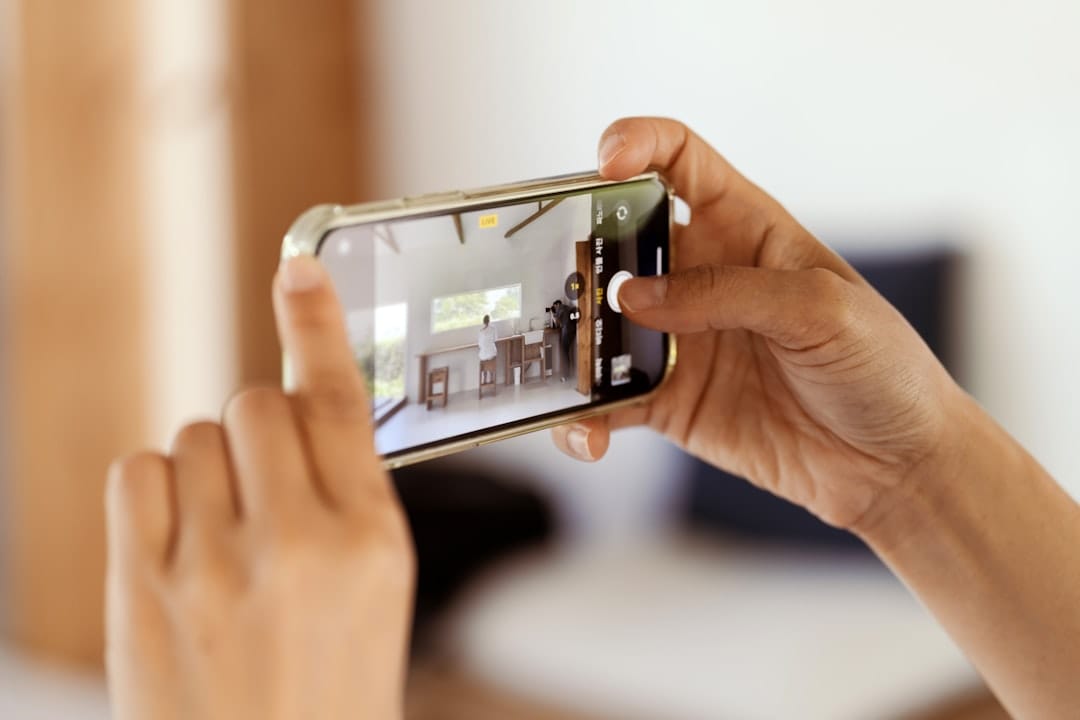
This is the part most app roundups won't tell you, because they're selling apps. The free baseline is real. A landlord who shoots every room and every flaw on their phone, drops the photos into a dated cloud folder named for the property and tenant, and pairs them with a signed checklist has a defensible record. A geotagged, timestamped photo is harder to dispute than one without — the location proves it was your property and the timestamp proves when.
The reason an app still helps isn't the camera — it's that the app forces the discipline. It prompts you room by room so you don't skip the closet. It attaches the signature automatically. It backs up without you remembering to. If you're the kind of organized owner who will genuinely keep a clean folder system, your phone is enough. If you know you'll get lazy by the third move-in, pay the few dollars for the app that won't let you cut corners. The worst outcome isn't the wrong app — it's the right app, downloaded, and never opened.
How do inspection apps protect my deposit claim under Florida law?
Quick answer: An inspection app supplies the evidence for a deposit deduction, but it does not satisfy the procedure Florida requires. Under Florida Statute 83.49, you must return the full deposit within 15 days if you keep nothing, or send a written notice of your intent to claim, by certified mail or by e-mail under a signed 83.505 addendum, within 30 days after the lease ends if you withhold anything. Miss that window and the statute is blunt: "If the landlord fails to give the required written notice within the 30-day period, he or she forfeits the right to impose a claim upon the security deposit and may not seek a setoff against the deposit but may file an action for damages after returning the security deposit to the tenant." You lose the deduction no matter how good your photos are; they only help in a separate suit, after the deposit goes back.
This is the gotcha that sinks more Florida landlords than any other, and no app warns you about it. The inspection report and the claim notice are two separate things, and you need both. The app documents the damage. The move-out comparison proves it wasn't pre-existing. But it's the written notice of intent to impose a claim, with the reason for it — sent by certified mail to the tenant's last known mailing address, or by e-mail under a signed 83.505 addendum, within 30 days of the tenancy ending — that legally preserves your right to deduct the damage from the deposit. After that notice, the tenant has 15 days to object in writing. Skip the notice or blow the deadline, and 83.49 hands the entire deposit back to the tenant; your route to the repair money is then a damages action filed after you return it.
From the operator's chair, build a buffer into that deadline. Treat day 28, not day 33, as your wall. Thirty days sounds like plenty until a closing, a vacancy turn, and a holiday weekend eat two weeks of it. Send the certified-mail claim early, log the tracking number, and keep the inspection PDF stapled to it in your records. That pairing — dated evidence plus a timely certified notice — is what wins.
What should Orlando and Tampa landlords document that others skip?
Quick answer: Moisture. In Orlando and Tampa, the same humidity and afternoon-storm season that fills our summers also drives the mold and water-intrusion claims that turn into the ugliest deposit disputes. Your inspection app's photo log is also your moisture baseline — so document water stains, caulk and grout condition, and HVAC operation at move-in, not just the obvious dents and scratches.
This is where naming your market matters. A generic inspection checklist tells you to photograph the walls. A Florida one tells you to photograph the signs of water — the faint ceiling stain under a second-floor bathroom, the musty closet, the bathroom exhaust fan that doesn't pull air. When a tenant later claims a mold problem was your fault, a dated move-in photo showing a dry, clean, stain-free room is the difference between a habitability headache and a closed file. The apps above all let you tag and annotate specific issues; use that to flag every moisture-prone spot at move-in.
Run the HVAC, too, and photograph the thermostat reading. Florida treats a working air conditioner as a habitability issue in practice, and "the AC never worked" is a common move-out complaint. A timestamped move-in photo of a cooling unit and a noted "tested, operational" entry closes that argument before it starts. In our two markets, an inspection that ignores moisture and air conditioning isn't really a Florida inspection.
How do I choose — and actually stick with — an inspection tool?
Quick answer: Pick by your situation, not by the feature matrix. Want the tenant to do the work? RentCheck. Want the cheapest real app for two or three doors? zInspector's free tier. Want inspections, bookkeeping, and screening under one login? Landlord Studio. Own a single property and run a tidy cloud folder? Your phone. Then use whichever you chose at every move-in and move-out, without exception.
The decision is genuinely small for most owners, and the field knows it — that's why the listicles pad their rankings with enterprise features you'll never touch. For one to five doors, any of the four can pass the evidence test that actually decides deposit disputes. The variable isn't the software's ceiling; it's whether you'll open it consistently.
So make it a system, not a tool. Document the baseline at move-in. Compare against it at move-out. Send the certified-mail claim by day 28 if you're withholding. Keep the PDF and photos in the cloud for at least five years. For the full deposit timeline and the exact notice wording, our Florida owner's guide walks through every step. The app is a means to an end, and the end is simple: when a tenant disputes a charge, you reach for your records and the answer is already there.
Bottom line: Stop shopping for the most powerful inspection app and start shopping for the one you'll actually use. Whatever you pick, it has to timestamp, compare, collect a signature, and back up to the cloud — then it has to be paired with a certified-mail claim filed inside Florida's 30-day window. That combination is what protects your deposit. The fanciest report in your account does nothing if it's sitting unused, and the simplest phone photo wins if it's dated, organized, and backed up.
If keeping the inspection photos, the cloud folders, the certified-mail deadlines, and the move-out comparisons straight feels like one more job you didn't sign up for, it doesn't have to be yours to manage. We handle inspections and deposit paperwork for owners across Orlando and Tampa — single properties included. Get a free rental analysis and we'll show you what your property could rent for and what handing off the day-to-day actually looks like.